Getting Started
Welcome to the Electronic National Laboratory Information System (eN-LIS) User Guide!
This documentation covers role-based workflows across eN-LIS for Global Admins, Facility Admins, Facility Users (Receptionists, Data Clerks, Analysts, Supervisors, and Managers), and Tier Users.
- Learn how to log in, navigate the system, and manage your password.
- Follow step-by-step SOPs for facility setup, sample registration, workplans, result entry, validation, and approval.
- Review User Roles for a breakdown of system permissions, or download the offline guide from Downloads.
01. How to log in, log out and change password
Role & Purpose
Who: All users
Purpose: Getting into eN-LIS, leaving it safely and keeping your password up to date.
Accessing eN-LIS Application
User Login
To Log in
- All created users in eN-LIS will receive a confirmation email of their username (email address) with password.
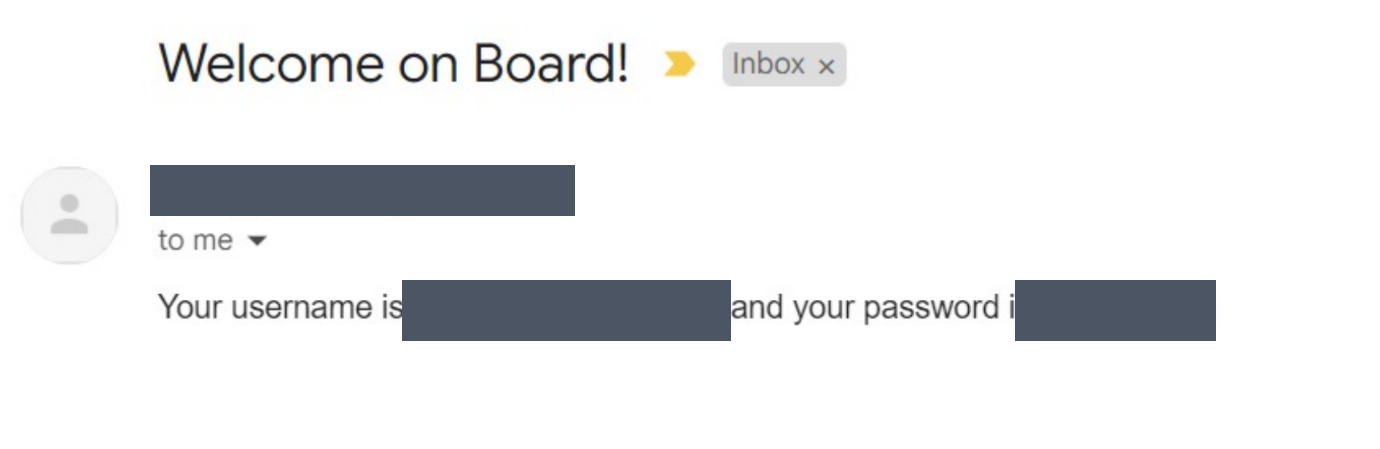 Figure 1
Access eN-LIS application on a web browser with the Link- www.eN-LIS.com.
All users can log in with their created username (email address) and password
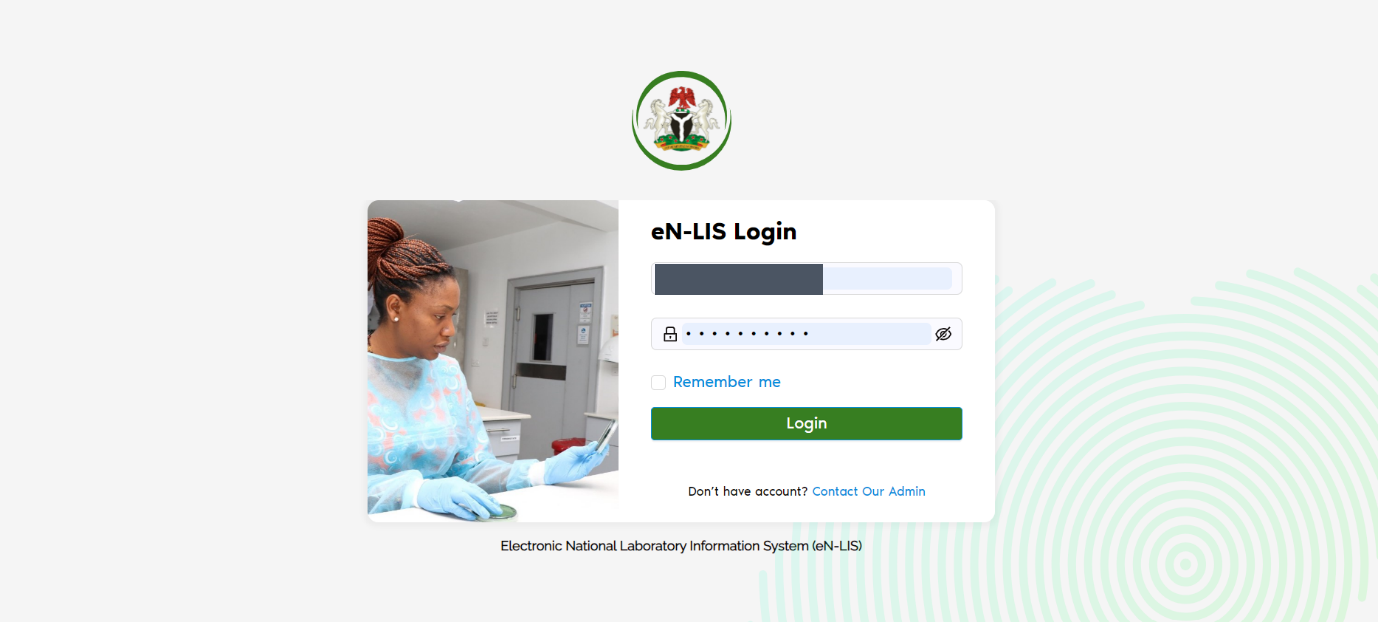 Figure 2
To Log Out
- Click on your username at the top right
- Click on Logout
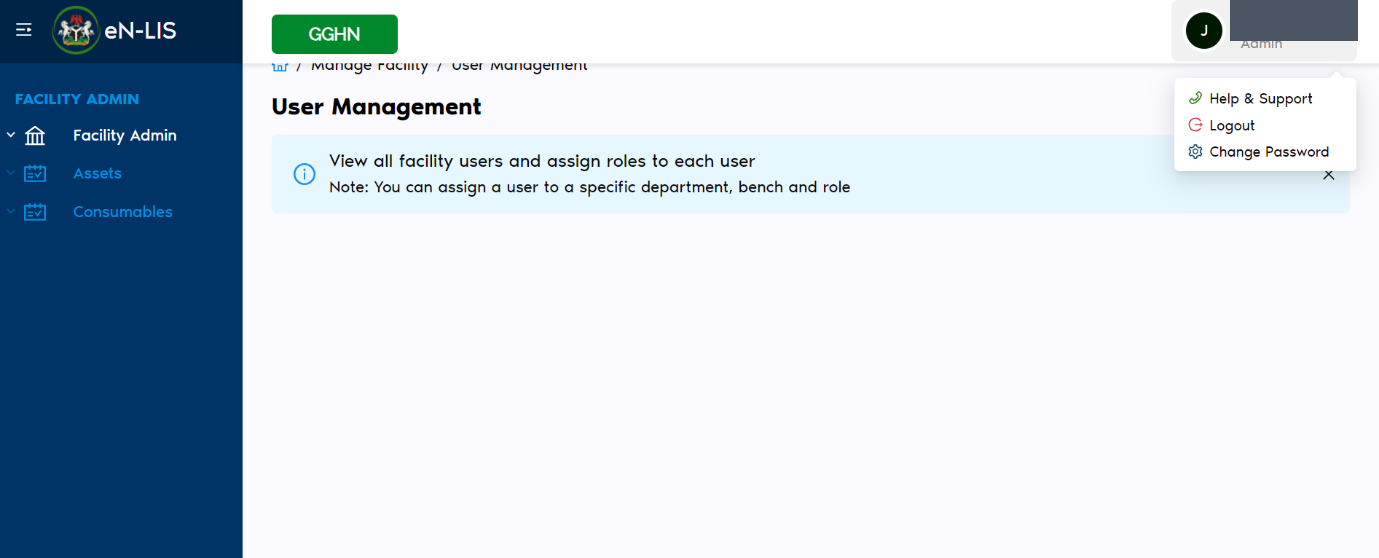 Figure 3
To Change Password
- Click on your username at the top right
- Click on Change password
- Enter new password
- Click on Submit to effect change
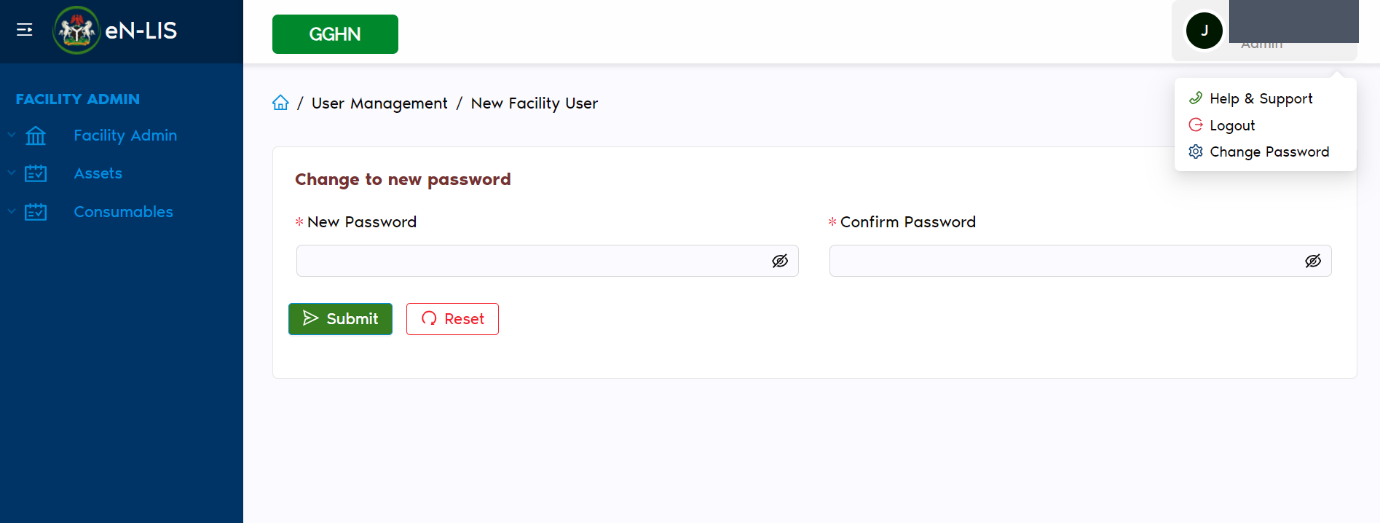 Figure 4